

Unidentified Driving Records on Your ELD: How to Assign or Clear Them
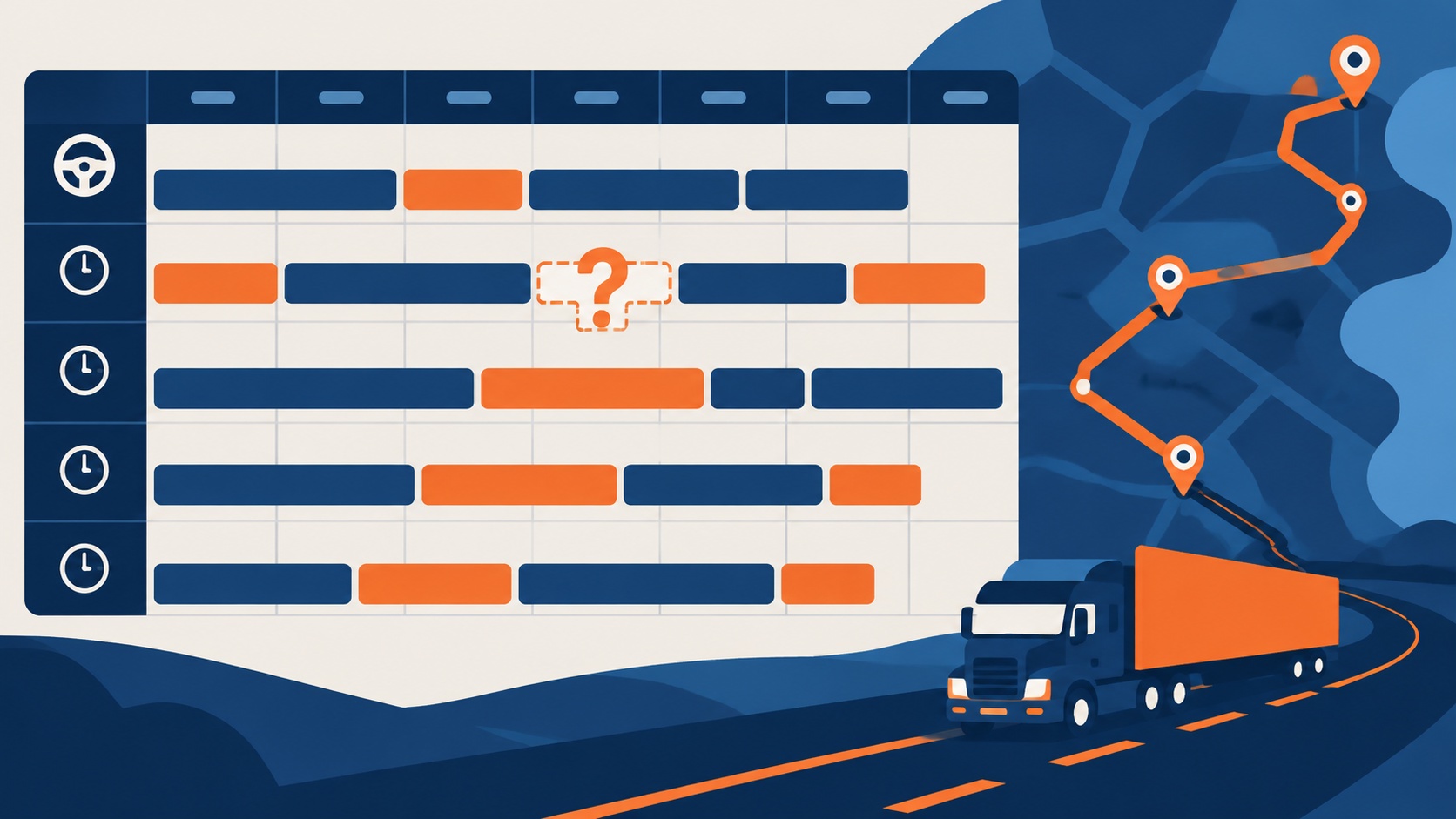
Short answer: An unidentified driving record is driving time the ELD captured while no driver was logged in. The driver must accept or reject those records at the next login, and the carrier must review every remaining record and either assign it to the right driver or add a note explaining why it can't be assigned. Leaving them unresolved can trigger an ELD data diagnostic and draw attention in audits.
Why unidentified driving happens
The ELD records every movement of the truck, whether or not someone is signed in. Unidentified driving usually comes from a driver forgetting to log in, a mechanic test-driving the truck, a yard jockey moving it, a tablet that lost its connection, or a device swap between trucks. Each of those creates driving time with no owner.
What the rule requires
Two parts of the federal ELD rule (49 CFR 395.32) apply:
- The driver: when a driver logs in, the ELD must show any unidentified driving recorded on that truck. The driver either accepts the time as theirs, which adds it to their log, or rejects it.
- The carrier: the motor carrier must review unidentified driving records and either assign each one to the correct driver or annotate why it cannot be assigned, for example "mechanic road test".
Unidentified driving records must be kept for six months along with other ELD data (49 CFR 395.8(k)).
The 30-minute data diagnostic
The ELD technical specification sets a threshold: if a truck accumulates more than 30 minutes of unidentified driving within a 24-hour period, the ELD shows an "unidentified driving records" data diagnostic. The indicator clears once unidentified driving drops to 15 minutes or less over the past seven days. A diagnostic is not a violation by itself, but an officer will notice it, and it tells you the fleet has a login problem.
Step by step: clearing unidentified driving
- Check at every login. Drivers should review the unidentified time shown when they sign in and accept only what they actually drove.
- Review the fleet list daily or weekly. Open the unidentified driving report in your ELD admin portal and sort by date and truck.
- Match each record. Use dispatch notes, fuel receipts, shop invoices and GPS location to figure out who was driving.
- Assign or annotate. Propose the record to the correct driver, who must accept it, or write a clear note such as "shop test drive, VIN ..., invoice 4471".
- Fix the cause. If the same truck keeps producing unidentified time, check the device connection and retrain the driver on logging in before moving.
Common mistakes
- Auto-rejecting everything. Drivers who reject all unidentified time push the problem to the carrier, and patterns of rejected time that match a driver's schedule look bad in an audit.
- Assigning time without driver approval. The carrier can propose an assignment, but the driver must accept it on their log.
- Vague notes. "Unknown" is not an explanation. Name the reason and, where possible, the person or document.
- Letting records pile up. A few minutes a week is easy to resolve; three months of backlog is not.
What auditors and inspectors check
At the roadside, an officer sees the diagnostic indicator and can review unidentified time on the truck. During a compliance review or new entrant safety audit, auditors may compare unidentified driving with the drivers' logs to find hours that were never recorded. A clean, annotated list shows that the fleet controls its records. See also our DOT inspection ELD guide.
How ELD Hub helps
ELD Hub shows unidentified driving to the driver at login and gives fleet admins a list of every unassigned segment with time, truck and location, so it can be assigned to a driver for approval or annotated in a few clicks. ELD Hub costs $15 per truck per month with no contract and a 14-day free trial. See ELD pricing or no-contract ELD.
Frequently asked questions
Is unidentified driving a violation?
Not automatically. It becomes a problem when the carrier fails to review it, or when it hides hours a driver should have logged.
Can a dispatcher assign unidentified time to a driver?
The carrier can propose it, but the driver must accept it before it becomes part of their record.
What if a mechanic drove the truck?
Annotate the record with the reason, such as a shop road test, and keep the shop invoice as support.
How do I clear the unidentified driving diagnostic?
Resolve the records and prevent new ones. The indicator clears when unidentified driving falls to 15 minutes or less over the last seven days.
How long must I keep these records?
Six months, with a backup on a separate device.
Reviewed by the ELD Hub team. This article explains the federal rules in plain language and is not legal advice; check the linked FMCSA sources for the current text.
Related guides
- ELD Yard Move Rules: When You Can Use It (and When It's a Violation)
- ELD Log Edits and Annotations: What Drivers and Carriers Can Change
- FMCSA Revoked My ELD: What Drivers and Carriers Must Do
- ELD Log Book Explained: How Electronic Logs Replace Paper