

ELD Yard Move Rules: When You Can Use It (and When It's a Violation)
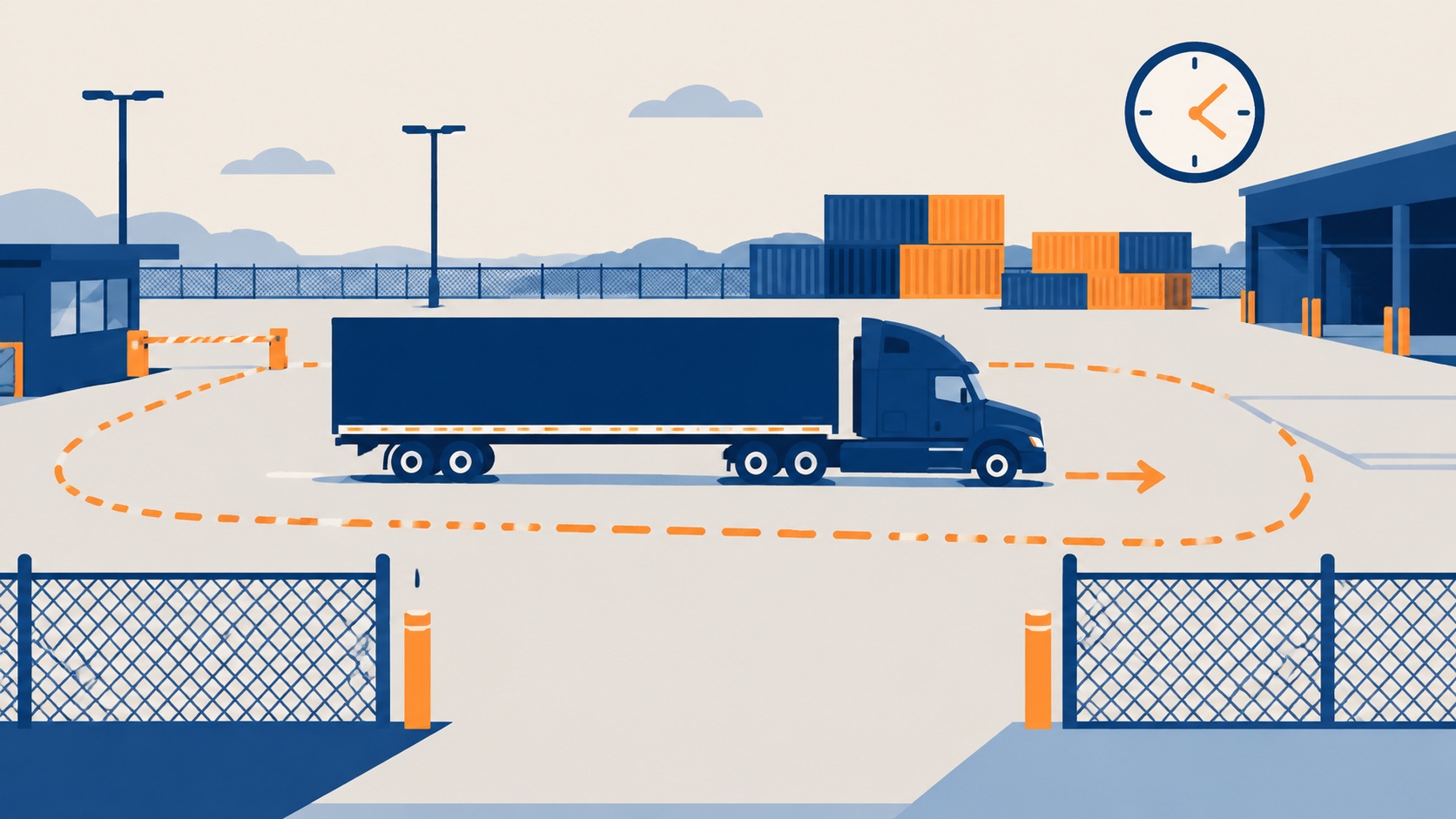
Short answer: A yard move is on-duty, not-driving time that a driver records on the ELD while moving a truck inside a yard, terminal or other area closed to public traffic. The carrier must enable yard moves in the ELD before drivers can use them, the time still counts toward the 14-hour window, and using it on open public roads to hide driving is an hours-of-service violation.
What FMCSA means by a "yard move"
The ELD rule lets a driver mark two special driving categories: personal conveyance and yard moves (49 CFR 395.28). When yard moves is selected, the ELD records the movement as on-duty not driving instead of driving. That matters because it stops short repositioning trips from eating into the 11-hour driving limit, while still counting against the 14-hour on-duty window and the 60/70-hour cycle.
FMCSA's guidance describes typical yard moves as moving a truck around a shipper's or carrier's yard, to a fuel island or wash bay inside the facility, or between a dock door and a parking spot. A public road can be part of a yard move only where public access is restricted, for example a road inside a port or a terminal that is closed to through traffic (FMCSA yard-move guidance).
Yard move vs. driving vs. personal conveyance
| Status | Counts toward 11-hour driving limit | Counts toward 14-hour window | Typical use |
|---|---|---|---|
| Driving | Yes | Yes | Any movement for work on public roads |
| Yard move | No | Yes (on duty) | Moving the truck inside a yard or restricted area |
| Personal conveyance | No | No (off duty) | Personal travel while off duty, unladen or with the load not being advanced |
The common mistake is mixing these up. Yard move is work time, so it shows as on duty. Personal conveyance is off-duty time and has its own conditions. If a trip moves freight closer to delivery, it is driving, no matter which button was pressed.
Step by step: using yard moves correctly
- Carrier enables the category. Under 395.28(a), drivers can only select yard moves if the motor carrier has authorized it in the ELD settings. If the option is missing, ask your safety manager or ELD admin to turn it on for your driver profile.
- Select yard move before the truck moves. Choose the status on the ELD while stationary. Most systems ask you to add a short annotation such as "moving to door 14" or "fuel island".
- Stay inside the yard or restricted area. If you leave through the gate onto a public road, end the yard move and go to driving.
- End the status when you finish. Under the ELD technical specification, a yard-move indication ends when the engine is turned off. Many ELDs also prompt or switch back automatically when speed rises above a set threshold.
- Review and certify your log. At the end of the day, check that each yard move has a clear note and certify the record.
What inspectors and auditors look for
During a roadside inspection, an officer sees yard-move segments on your ELD display or in the transferred file. Red flags include:
- Long yard-move segments covering many miles.
- Yard moves at highway speeds.
- Yard moves that begin at one city and end at another.
- Repeated yard moves right before an hours-of-service limit would be reached.
If the segment is really driving, the officer can treat it as false log information. During a compliance review, auditors may compare yard-move segments with GPS location and odometer data. Notes that name the facility make these reviews quick and painless. For more on what happens at the roadside, see our DOT inspection ELD guide.
Policies that keep small fleets out of trouble
- Write a one-page yard-move policy. List the facilities where yard moves are normal, the maximum distance you expect, and the annotation format.
- Enable yard moves only for drivers who need them. Dock, terminal and port drivers usually do; long-haul drivers rarely need it every day.
- Review yard moves weekly. Sort logs by yard-move duration and distance, and talk to drivers about anything unusual before an auditor does.
- Train with real examples. Show a correct yard move and an incorrect one from your own logs, with names removed.
How ELD Hub handles yard moves
In ELD Hub, the fleet admin turns yard moves on per driver, drivers choose the status from the duty-status screen and add a note, and the fleet dashboard shows each yard-move segment with its location so you can review it quickly. ELD Hub costs $15 per truck per month with no contract and a 14-day free trial; see ELD pricing or no-contract ELD for details.
Frequently asked questions
Does a yard move count against my 14-hour clock?
Yes. A yard move is on-duty not-driving time, so it counts toward the 14-hour window and the 60/70-hour limit, but not toward the 11-hour driving limit.
Can I use yard move on a public road?
Only where public access is restricted, such as a road inside a port or a closed terminal. On open public roads, the movement is driving.
Why can't I see the yard move option?
Your carrier has to authorize yard moves in the ELD. Ask your fleet admin to enable it on your profile.
Is there a mileage or speed limit for yard moves?
The rule does not set a fixed mileage. FMCSA looks at whether the movement happened in a yard or restricted area. Many ELDs and carriers set their own speed alerts to catch mistakes.
How long do yard-move records have to be kept?
Like other ELD records, for six months, with a backup on a separate device (49 CFR 395.8(k)).
Reviewed by the ELD Hub team. This article explains the federal rules in plain language and is not legal advice; check the linked FMCSA sources for the current text.
Related guides
- ELD Log Edits and Annotations: What Drivers and Carriers Can Change
- Unidentified Driving Records on Your ELD: How to Assign or Clear Them
- FMCSA Revoked My ELD: What Drivers and Carriers Must Do
- ELD Log Book Explained: How Electronic Logs Replace Paper